What Is AI Text to 3D? A Plain-English Guide
Text to 3D turns a written description into a textured three-dimensional mesh. Here is what happens in between, and what to expect from the result.
Guide
Try Text to 3D Yourself
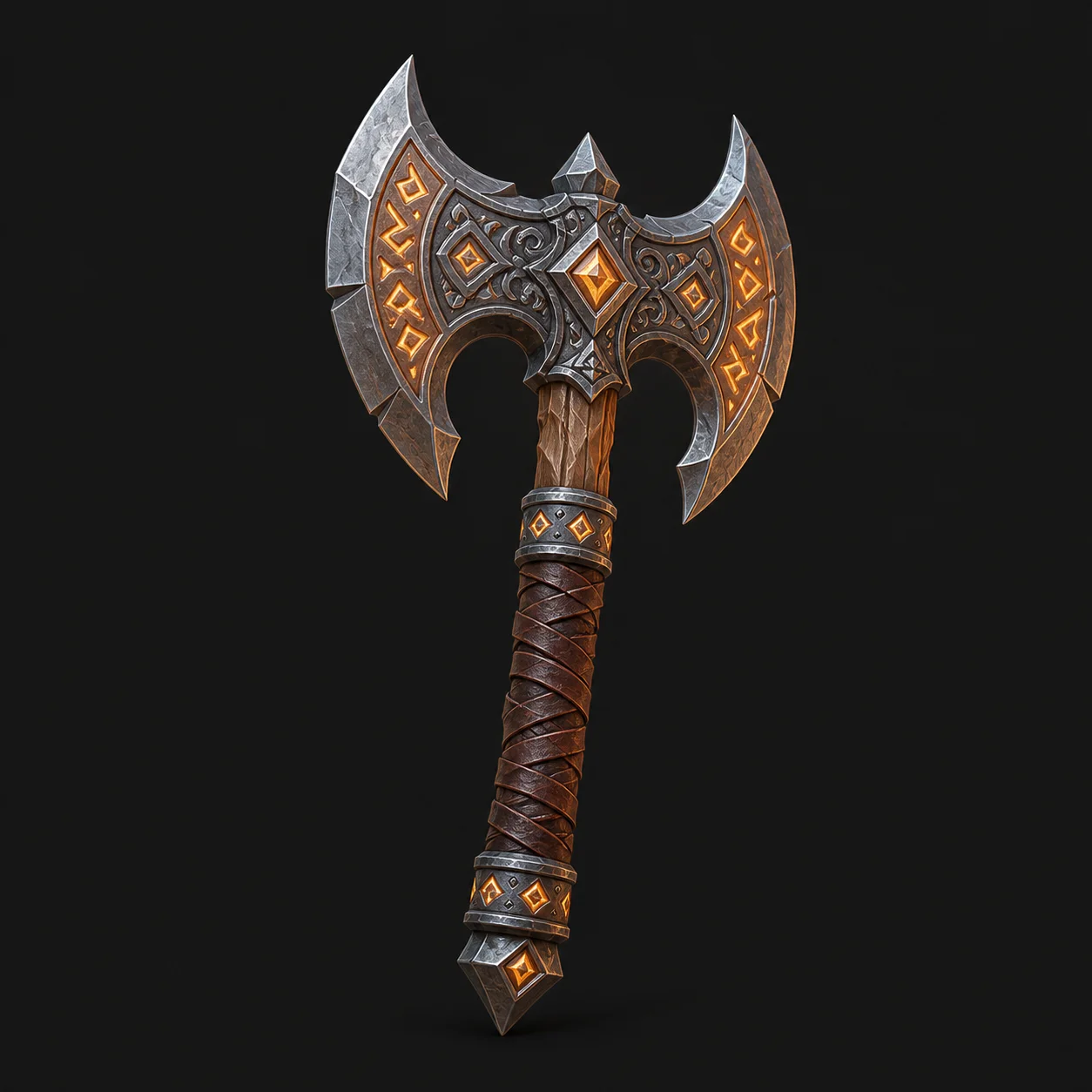
The fastest way to understand the pipeline is to watch it run. Write an object, pick a style, and watch the concept become a mesh.
Free and anonymous. Protected by Cloudflare Turnstile — no account, no card, no credits.
How the Technology Works
Four stages sit between your sentence and a downloadable 3D model. Every ai text to 3d model generator runs some version of them.
- 1
Reading the Prompt
A language model parses your description into shape, material, style and context. Concrete nouns carry far more weight than adjectives do.
- 2
Multi-View Generation
A diffusion model renders the object from several angles at once, keeping the views consistent with one another rather than drawing each independently.
- 3
3D Reconstruction
Those views are fused into a mesh, and the colours are baked into a texture map rather than carved into the geometry itself.
- 4
Export
The result is packaged as GLB or another standard format, ready to open in Blender, a game engine or a plain web viewer.
What It Is Good and Bad At
A text to 3d generator is excellent at one half of 3D work and genuinely poor at the other. Knowing which is which saves hours.
What It Does Well
- Rapid prototyping and concept visualisation
- Organic shapes, creatures and stylised props
- Baking convincing PBR textures from a description
- Producing a base mesh for sculpting or retopology
Where It Struggles
- Dimensional accuracy and anything CAD-shaped
- Clean, animation-ready topology
- Scenes containing several separate objects
- Readable lettering and fine asymmetric detail
3D Vocabulary You Will Meet
Eight words that come up constantly once you start moving generated models between tools.
- Mesh
- The polygon surface that makes up a 3D model. Everything a generator returns is a mesh.
- Polygon
- One flat face of a mesh, usually a triangle or a quad. Triangle count is how model weight is measured.
- Low Poly
- A deliberately small polygon count, used for real-time rendering in games.
- PBR
- Physically based rendering: describing materials by roughness and metalness so they behave correctly under any lighting.
- Topology
- How the polygons flow across a surface. Good topology deforms cleanly when animated; generated topology usually does not.
- Watertight
- A closed mesh with no holes, which is what a 3D printer's slicer requires before it will slice.
- UV Map
- The flattened layout that maps a 2D texture image onto a 3D surface.
- Rigging
- Adding a skeleton to a mesh so it can be posed and animated.
Text to 3D FAQ
No. An ai text to 3d model generator compresses the exploration phase. Retopology, rigging, precise modelling and final polish still need a person.
Roughly fifteen seconds for the concept render and another twenty for the mesh conversion on this site, though load affects both.
Yes. There is no account, no install and no credit system on meshyai.pro — you write a prompt and the generator runs.
GLB, the single-file format that carries geometry, materials and textures together. Convert it in Blender if you need OBJ, STL or FBX.
One object, a concrete noun, a material and a style word. “A brushed copper desk lamp, product render” beats “something modern and cool”.
Explore
Keep Exploring the 3D Generator
Every tool, format guide and workflow page on this site runs the same free ai text to 3d model generator. Pick the one closest to what you are making.
Turn Your Ideas into a 3D Model — Free
Describe your object, preview the concept, convert it to a downloadable GLB. No account, no install, no credits.