Free 3D Text Generator — Words as 3D Models
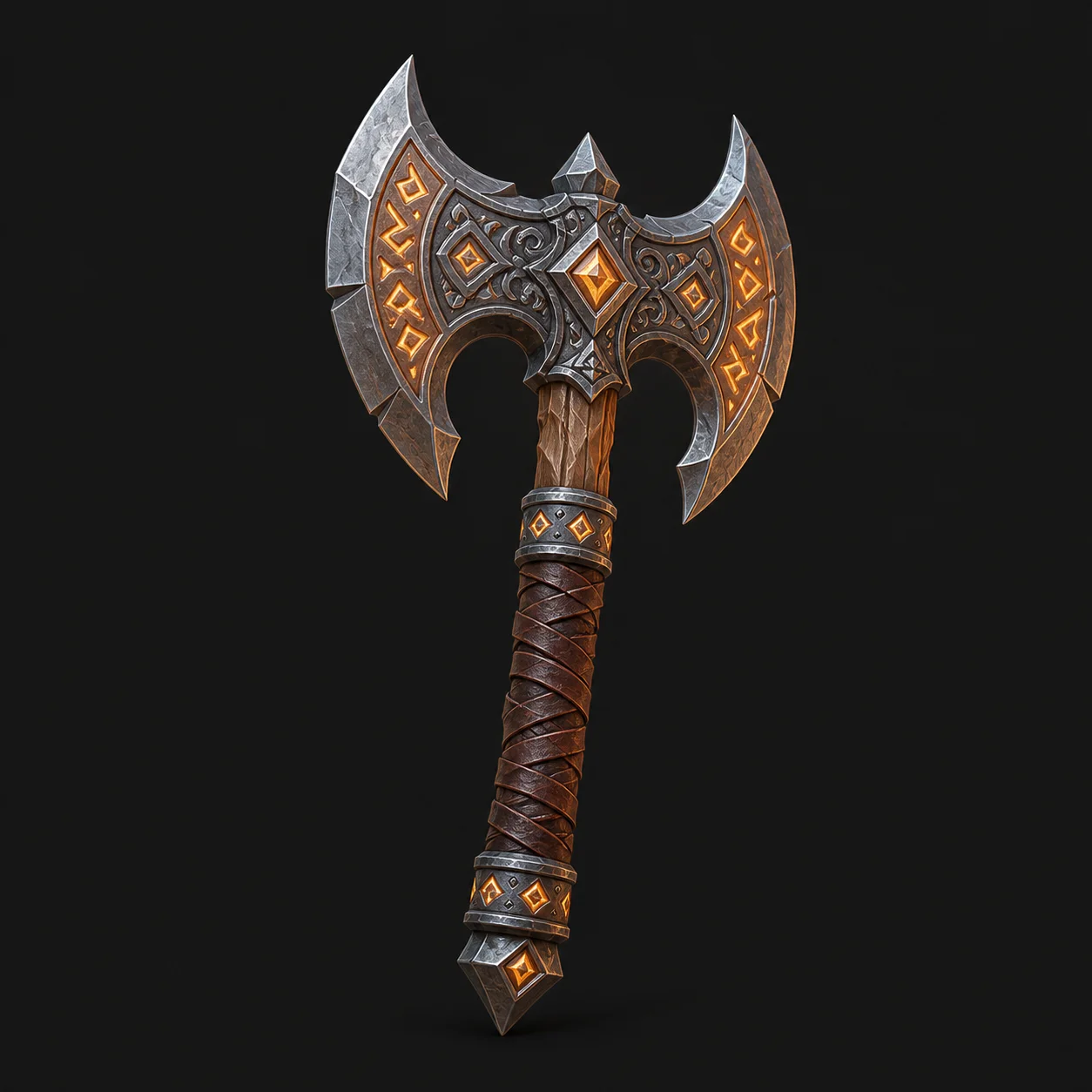
Balloon letters, chrome titles, carved stone words. Describe the lettering and this ai text to 3d model generator renders it as a lit three-dimensional object.
AI 3D Tools
Generate 3D Lettering
Short words work; sentences do not. Put the word in quotes, then describe the letterform, the material and the depth.
Free and anonymous. Protected by Cloudflare Turnstile — no account, no card, no credits.
What the 3D Text Generator Does
Type is the hardest subject in text to 3d. These three habits are what make the difference between a title and a smear.
Chunky, Readable Letterforms
Balloon type, blocky slabs, carved serifs. Describing the letterform is what separates readable 3D text from an abstract shape.
Any Finish You Can Name
Glossy plastic, chrome, neon acrylic, weathered stone. Material words drive the baked texture on the generated 3D model.
Titles, Stickers, Overlays
Thumbnail titles, sticker packs, game logos and stream overlays — 3D lettering concepts without opening a modelling package.
How to Generate 3D Text
Short word, described letterform, then a letter-by-letter check. In that order.
- 1
Pick a Short Word
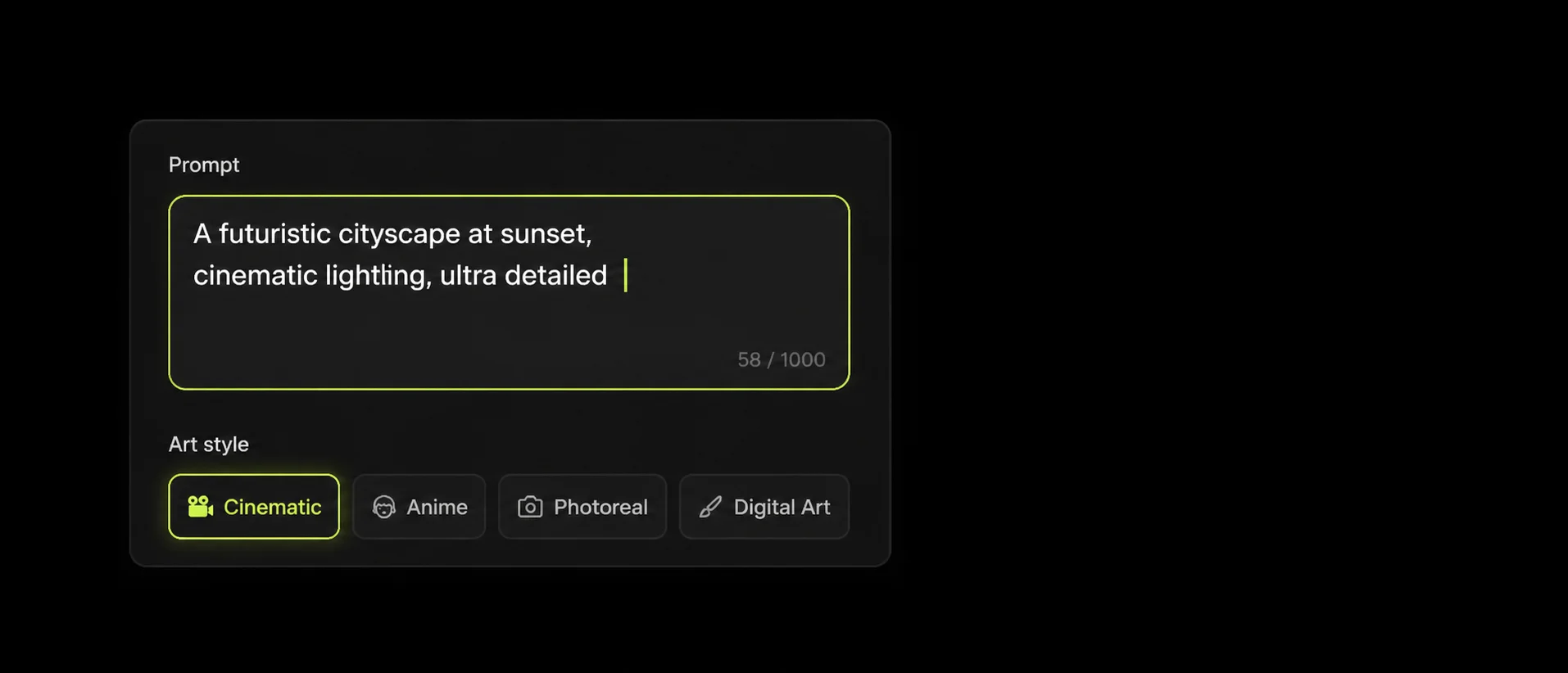
One to six characters is the sweet spot. The longer the string, the more likely the text to 3d generator garbles a glyph.
- 2
Describe the Letterform
“Chunky rounded balloon letters”, “blocky slab letters with a deep bevel”. Then add the material and the lighting.
- 3
Convert and Check Every Letter
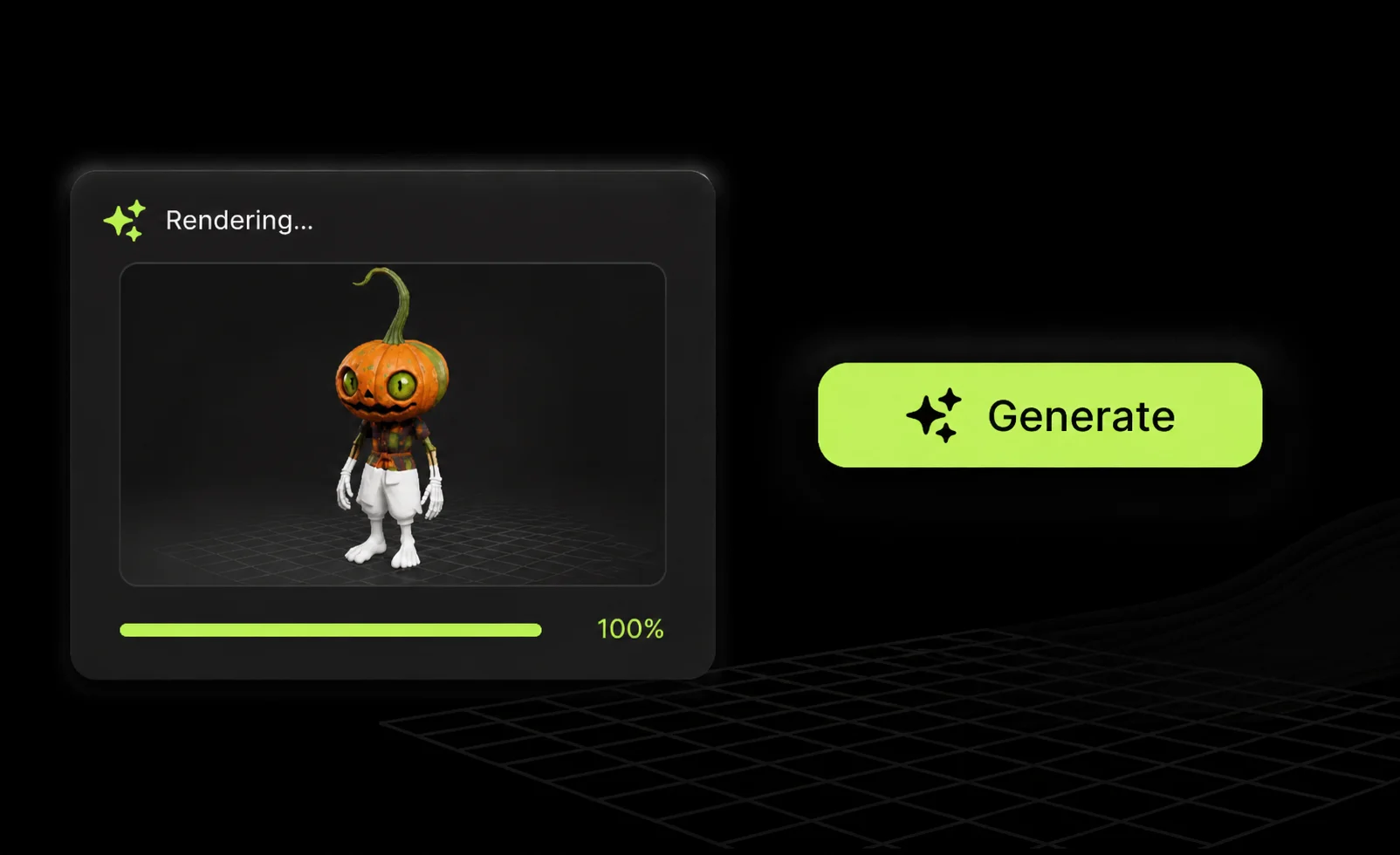
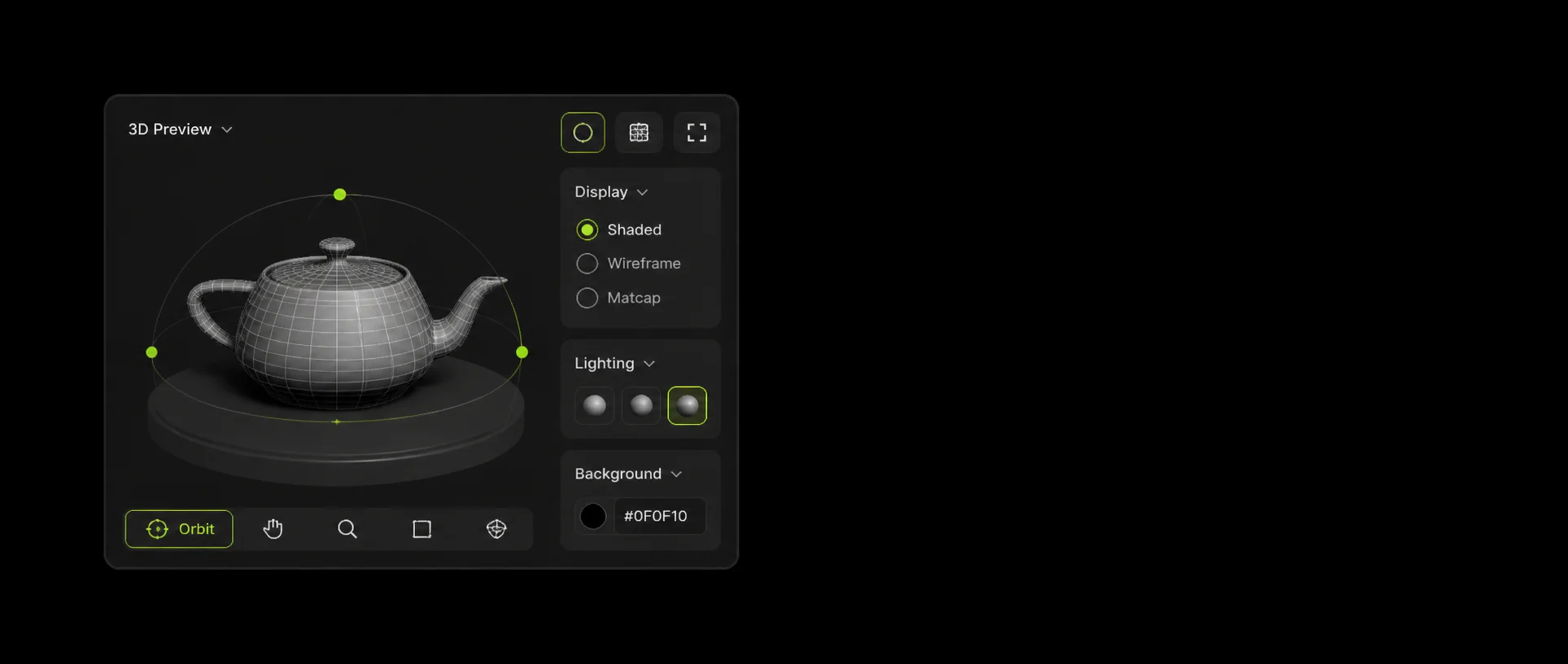
Read the mesh letter by letter. Any glyph that reconstructed badly is easier to rebuild in Blender than to re-prompt.
Example 3D Text Prompts
Quote the word, name the letterform, name the material. Everything else is decoration.
The word “PLAY” as chunky 3D block letters, glossy lime plastic, single centered object
Four letters and a solid finish. About as reliable as 3D type gets.
The word “SALE” in inflated balloon letters, glossy red, studio lighting
Inflated forms hide small reconstruction errors better than thin ones.
The word “EPIC” carved from weathered grey stone, deep bevel, front view
A deep bevel plus a named view keeps carved letters legible.
3D Text Generator FAQ
Diffusion models were never trained to spell. An ai text to 3d model generator reconstructs the shape it saw, so long words drift. Keep to short words and regenerate.
No. The generator works from a description, not a typeface file. Describe the letterform — slab, rounded, condensed, carved — and it approximates it.
Glossy plastic and chrome read fastest at thumbnail size. Stone and matte finishes need stronger lighting words to keep the edges legible.
No. The output is a mesh, so the letters are geometry rather than live text. For editable 3D type, rebuild it in Blender from the concept.
No. MeshyAI Pro is an independent free text to 3d site and is not affiliated with Meshy.
Explore
Keep Exploring the 3D Generator
Every tool, format guide and workflow page on this site runs the same free ai text to 3d model generator. Pick the one closest to what you are making.
Recommended next
More 3D tools
More use cases
Turn Your Ideas into a 3D Model — Free
Describe your object, preview the concept, convert it to a downloadable GLB. No account, no install, no credits.