STL File Format — The 3D Printing Standard
STL stores triangles and nothing else. That limitation is why every slicer on earth reads it, and why a generated 3D model needs work before it prints.
3D File Formats
Generate a Printable 3D Concept
Prompt for a solid object with a flat base and no thin overhangs. Convert it, then repair and hollow the mesh before you slice.
Free and anonymous. Protected by Cloudflare Turnstile — no account, no card, no credits.
What Is an STL File?
Two facts about STL decide everything you will do to a generated mesh.
Triangles, Full Stop
An STL file is a bag of triangles with normals. No colour, no UVs, no materials and no units — just the surface of the object.
It Has to Be Watertight
A slicer needs a closed volume. Holes, flipped normals and self-intersections are the three faults that stop a generated mesh printing.
STL vs the Other 3D Formats
STL is the safe file. It is rarely the best one.
| STL vs 3MF | 3MF stores colour, units, materials and print settings in a modern container. If your slicer supports it, 3MF is the better file — STL is the safer one. |
|---|---|
| STL vs OBJ | OBJ carries UVs and colour references; STL does not. For a single-material print that difference costs you nothing. |
| STL vs GLB | GLB is for looking at, STL is for making. Convert GLB to STL when the model stops being a render and starts being an object. |
What Opens an STL File
The printing toolchain, plus the repair tools you will need on the way.
Slicers
Cura, PrusaSlicer, Bambu Studio and OrcaSlicer all take STL as their default input and report non-manifold errors on import.
Repair Tools
Blender's 3D-Print toolbox, Meshmixer and Microsoft 3D Builder all fix holes and flipped normals in a generated mesh.
CAD
Fusion 360 and FreeCAD import STL as a mesh body, useful for adding a flat base or a mounting hole to an AI concept.
When to Choose STL
If the destination is a nozzle or a resin vat, this is the file.
Anything Headed for a Printer
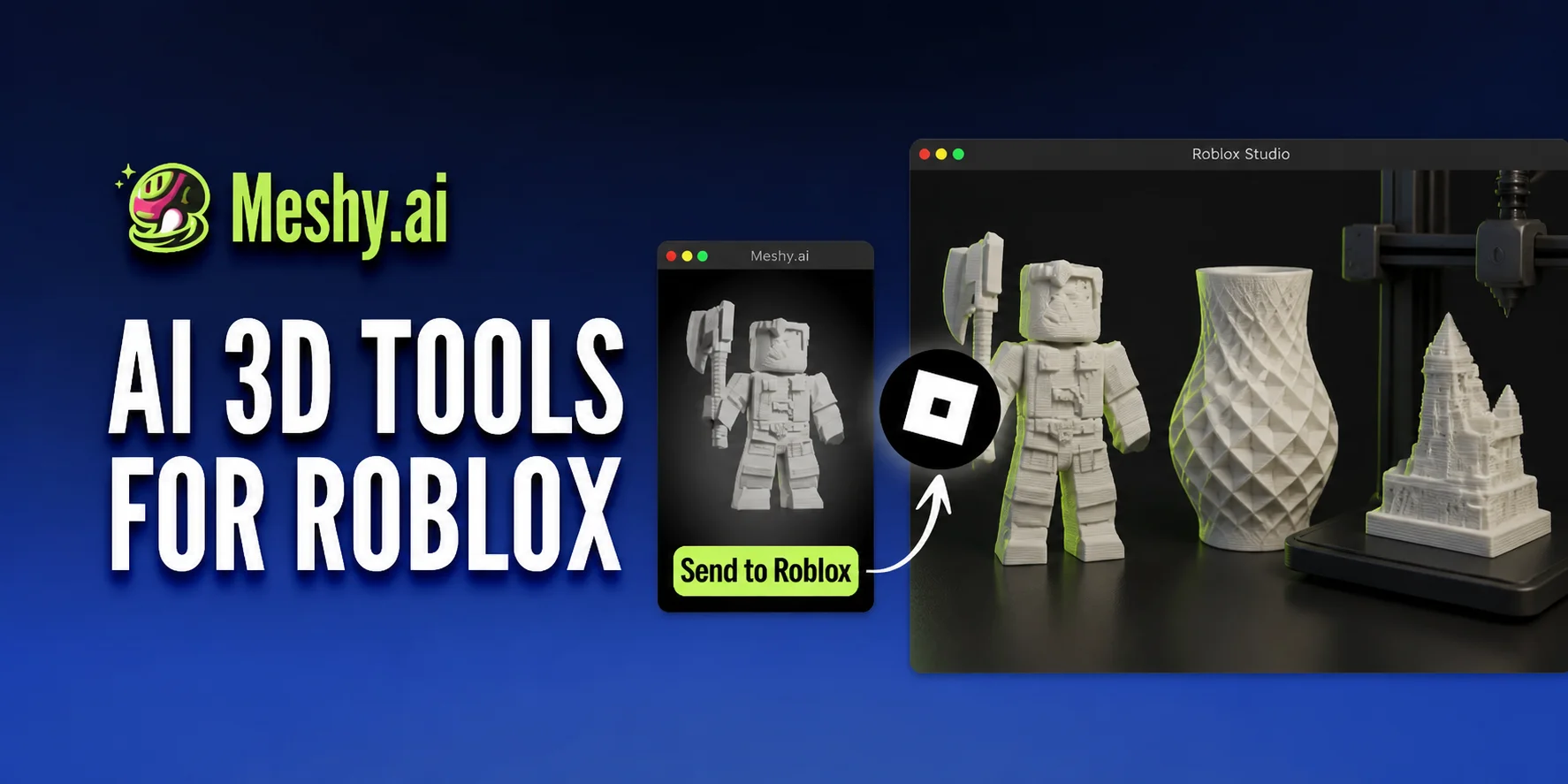
Figurines, tabletop miniatures, replacement parts and props. STL is what every slicer expects to be handed.
Single-Material Objects
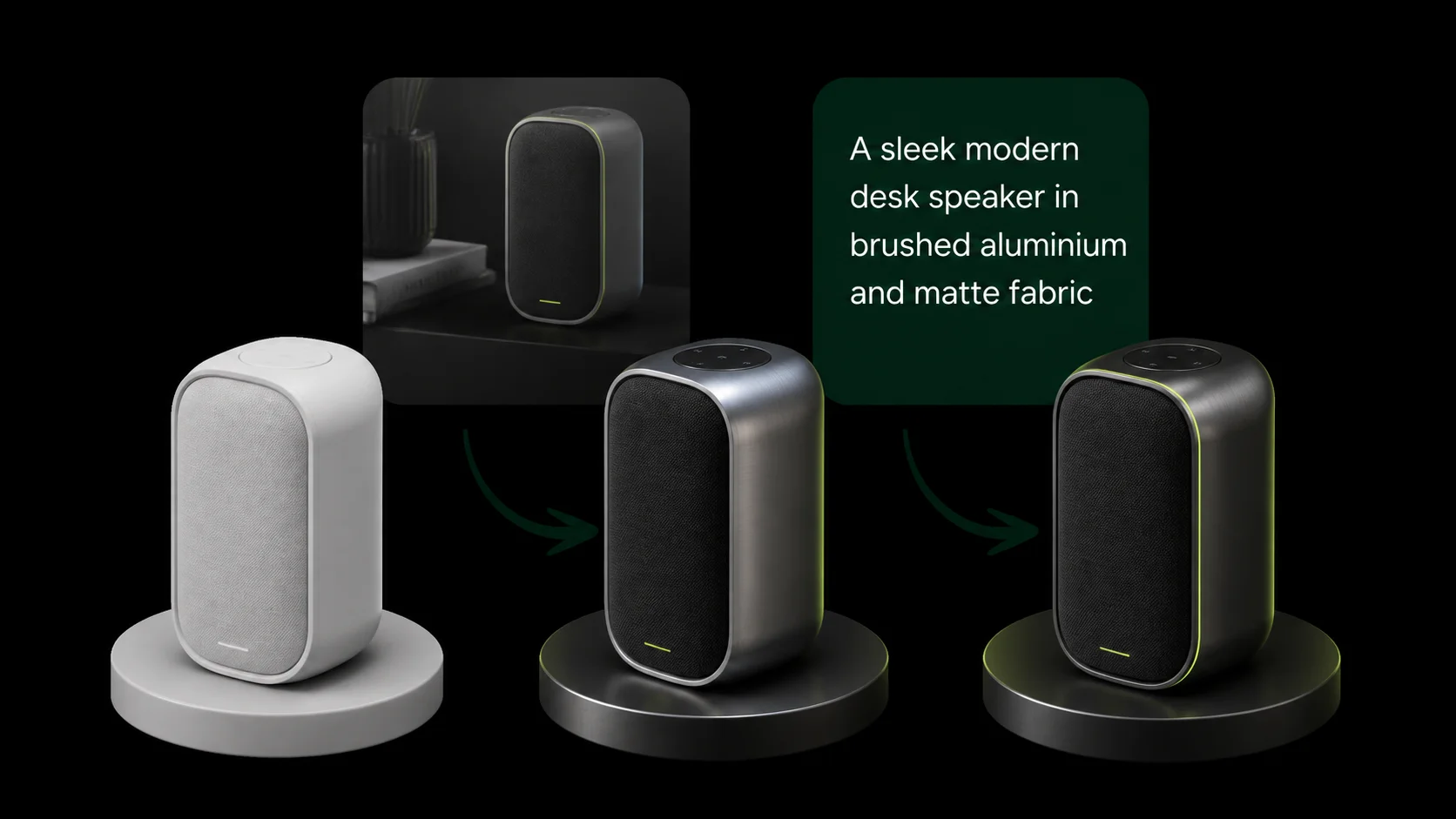
When the object is one colour, STL's missing material data costs you nothing and keeps the file small.
STL Format FAQ
Often, after repair. Generated meshes are dense and rarely watertight, so run a hole-fill and normal-recalculate pass before slicing.
Import the GLB in Blender and export STL. Colour is dropped in the process, because STL cannot store it.
The mesh was not manifold. Use Blender's 3D-Print toolbox to find non-manifold edges, then fill them before you slice.
Prompting cannot control thickness. Ask for a solid, chunky object with a flat base, then thicken thin areas during the repair pass.
No. MeshyAI Pro is an independent free text to 3d tool with no affiliation to Meshy.
Explore
Keep Exploring the 3D Generator
Every tool, format guide and workflow page on this site runs the same free ai text to 3d model generator. Pick the one closest to what you are making.
Recommended next
3D file formats
More use cases
Turn Your Ideas into a 3D Model — Free
Describe your object, preview the concept, convert it to a downloadable GLB. No account, no install, no credits.