OBJ File Format — The Universal 3D Interchange File
OBJ has been readable by nearly every 3D application since 1992. It is the safest interchange format there is, and the one most likely to lose your textures.
3D File Formats
Generate a Model to Export as OBJ
Generate a concept, convert it to a mesh, then export OBJ from Blender when a legacy tool refuses to open anything newer.
Free and anonymous. Protected by Cloudflare Turnstile — no account, no card, no credits.
What Is an OBJ File?
OBJ is deliberately simple, and both its strength and its failure mode come from that.
A Plain-Text Mesh
OBJ is a human-readable list of vertices, normals, UVs and faces. You can open one in a text editor, which is why every tool can parse it.
Materials Live in a Sidecar
Colour and texture references sit in a separate .mtl file next to loose image files. Move the OBJ on its own and the materials disappear.
OBJ vs the Other 3D Formats
Pick OBJ for compatibility, not for capability.
| OBJ vs GLB | GLB is one self-contained file with PBR materials. OBJ is three or more files with a 1990s material model. Choose OBJ only when GLB is refused. |
|---|---|
| OBJ vs STL | Both are simple meshes, but OBJ keeps UVs and material references while STL keeps only triangles. For a single-colour print, STL is enough. |
| OBJ vs FBX | FBX carries rigs, animation and scene hierarchy. OBJ carries a static mesh and nothing else, which is sometimes exactly what you want. |
What Opens an OBJ File
Effectively everything, which is the whole point of the format.
Blender
Imports OBJ instantly and lets you re-link the MTL when it went missing. The usual repair bench for a downloaded OBJ.
CAD and Legacy Tools
MeshLab, Rhino, older 3ds Max builds and most academic tools read OBJ when they read nothing else.
Slicers
Cura, PrusaSlicer and Bambu Studio all accept OBJ, and they use its colour data when the printer supports it.
When to Choose OBJ
Two cases where the oldest format on the list is still the right answer.
Handing a Mesh to Unknown Software
If you do not know what is on the other end, OBJ is the file most likely to open. That is its entire job.
Cleanup and Retopology Passes
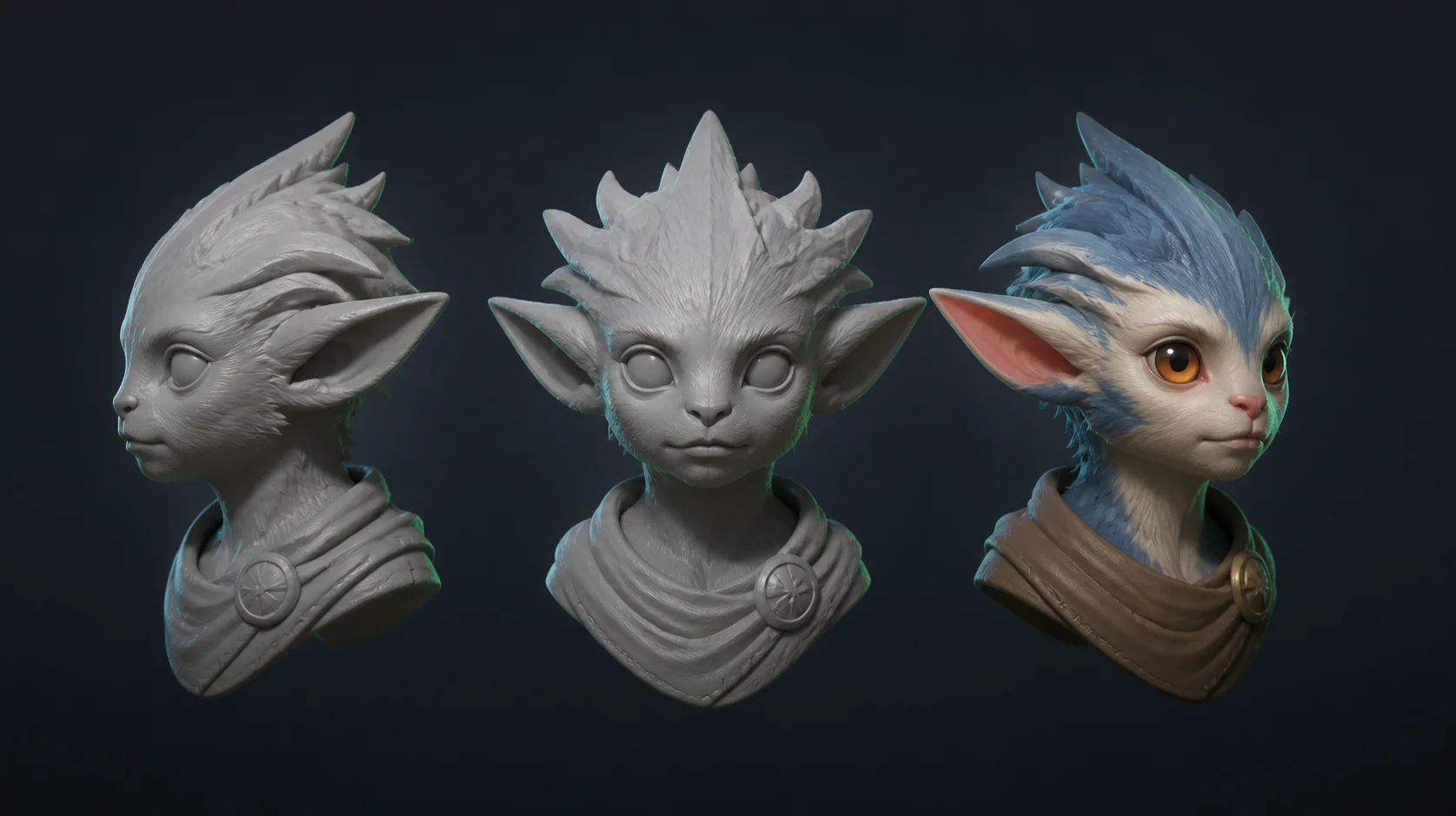
OBJ round-trips cleanly between MeshLab, Blender and ZBrush, so it suits geometry-only cleanup of a generated mesh.
OBJ Format FAQ
Because the .mtl file or the texture images did not travel with it. Zip the OBJ, the MTL and the images together, or export GLB instead.
Most, including this one, hand you a GLB. Open it in Blender and export OBJ in two clicks when a legacy tool needs it.
No. OBJ is a static mesh format. Use FBX or GLB for anything rigged or animated.
It works, and it carries colour for multi-material printers. For a single-colour print, STL is smaller and simpler.
No. MeshyAI Pro is an independent free text to 3d site and is not affiliated with Meshy.
Explore
Keep Exploring the 3D Generator
Every tool, format guide and workflow page on this site runs the same free ai text to 3d model generator. Pick the one closest to what you are making.
Recommended next
3D file formats
More use cases
Turn Your Ideas into a 3D Model — Free
Describe your object, preview the concept, convert it to a downloadable GLB. No account, no install, no credits.