Free 3D Logo Generator — Turn a Brief Into a 3D Mark
Describe the shape, material and finish of your mark and this text to 3d generator renders a lit 3D logo concept you can put in a deck the same afternoon.
AI 3D Tools
Generate a 3D Logo Concept
Start from the loaded emblem prompt. Name the material — chrome, matte plastic, brushed brass — because finish is most of what makes a mark read as 3D.
Free and anonymous. Protected by Cloudflare Turnstile — no account, no card, no credits.
What the 3D Logo Generator Does
A logo 3d model generator lives or dies on material and lighting. These are the three things it actually gives you.
Material-Led Rendering
Chrome, glass, matte rubber, brushed metal. The ai 3d model generator takes material words seriously, and material is most of what sells a 3D mark.
Variations in Minutes
Reword the brief and regenerate. Exploring ten finishes for one badge takes less time than setting up a single lighting rig by hand.
Deck-Ready Concepts
Each concept arrives lit and centred on a plain ground, so it drops straight into a pitch deck or a brand exploration board.
How to Generate a 3D Logo
Shape first, finish second, lighting third. Reversing that order is what produces abstract blobs.
- 1
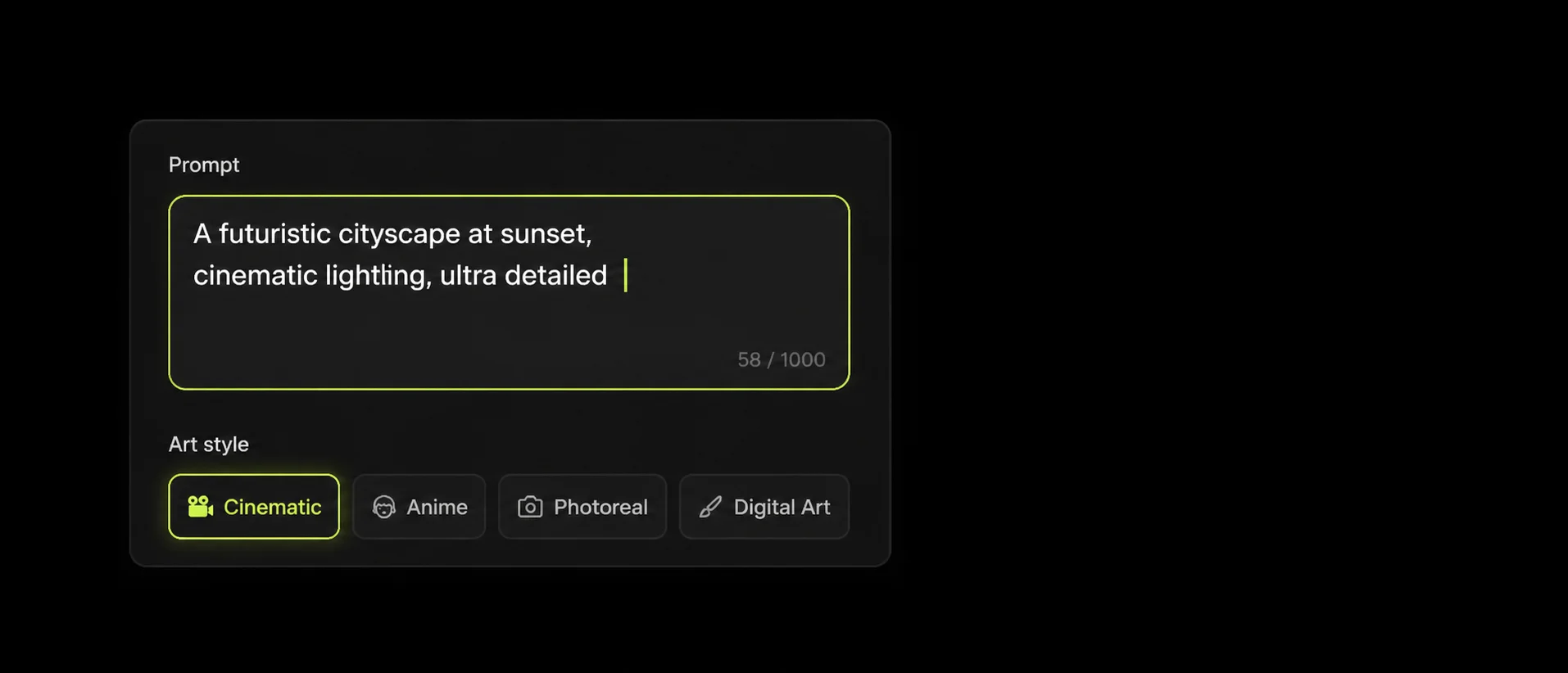
Write the Brief
Describe the mark itself — a shield, a monogram, a rounded hexagon badge — then the bevel, the material and the lighting.
- 2
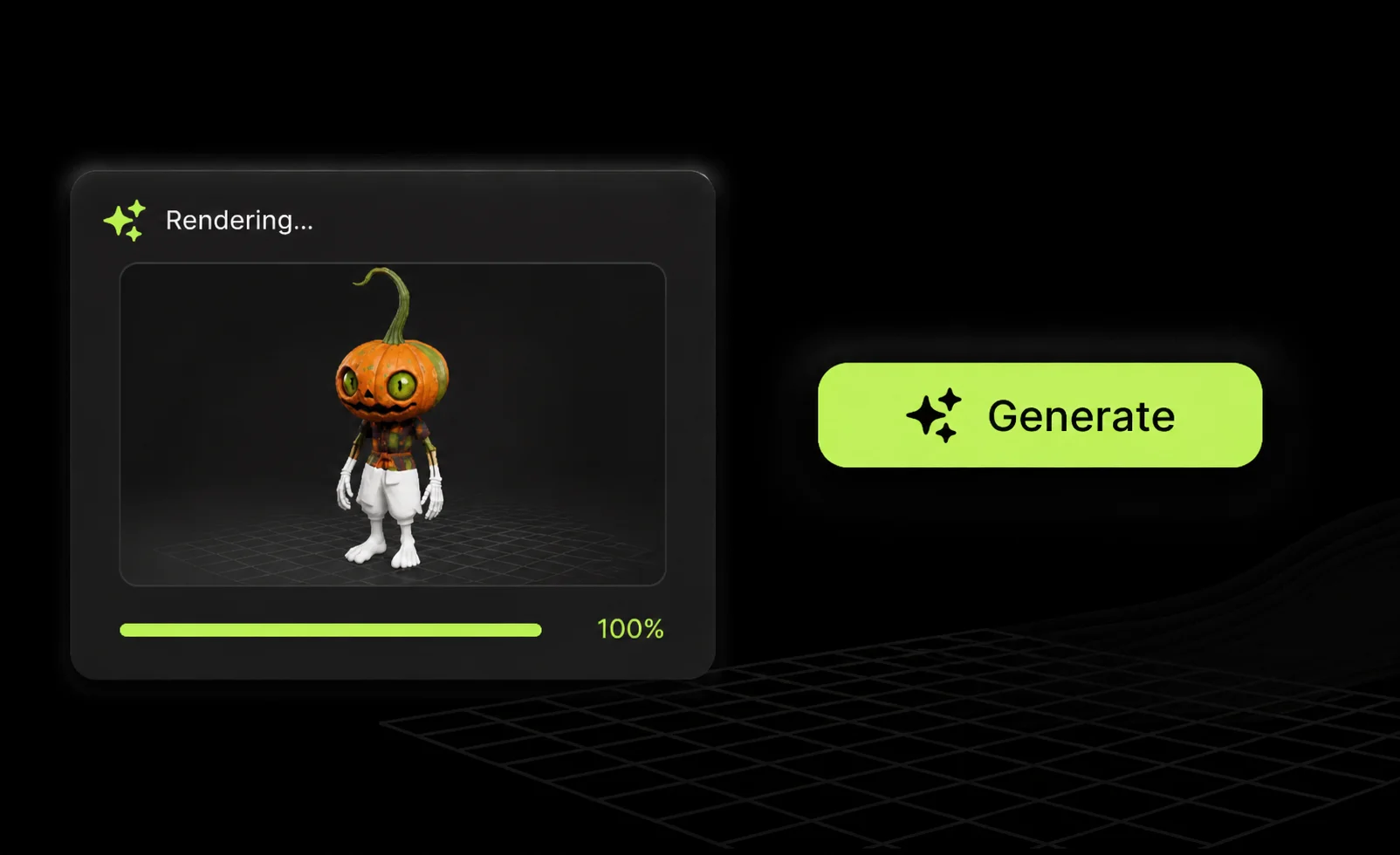
Refine the Render
Adjust the words until the proportions and reflections land. The text to 3d model generator responds to concrete nouns, not to brand values.
- 3
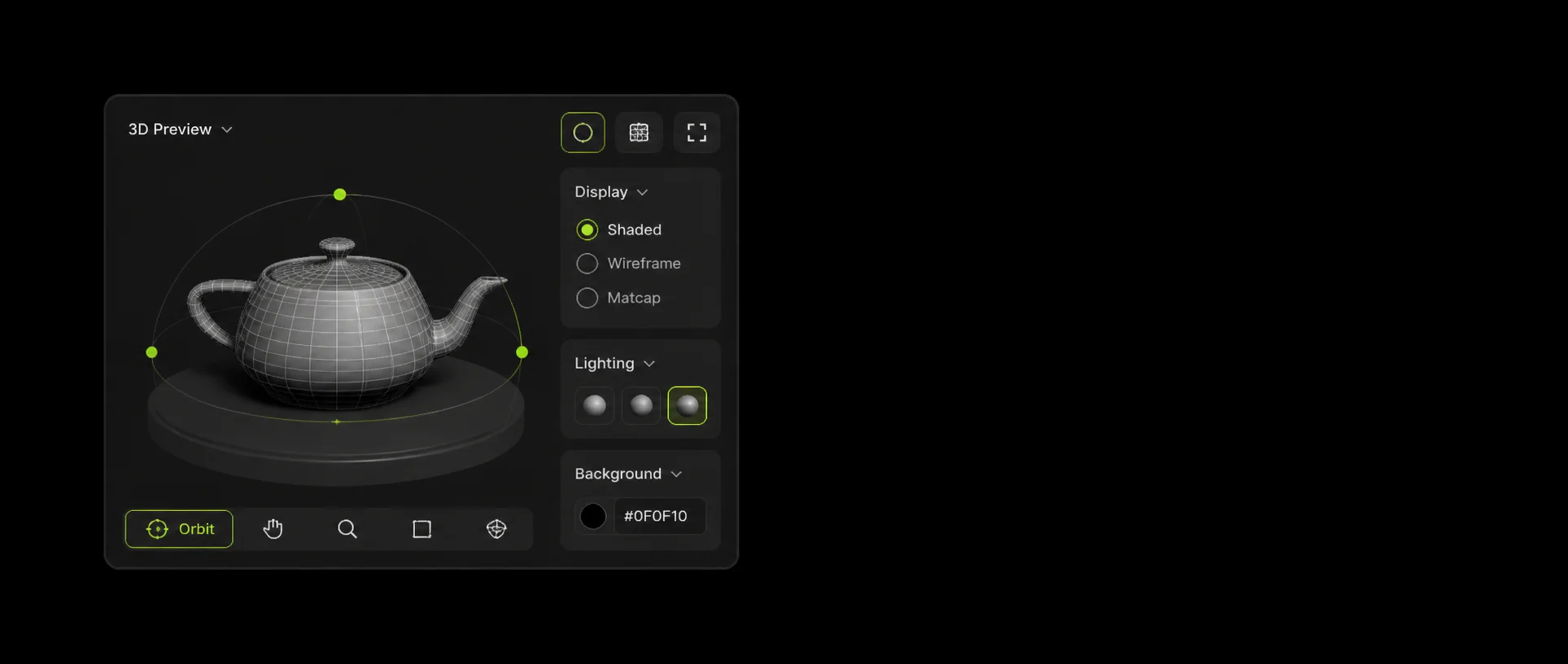
Convert and Review
Convert the concept to see how it reads as geometry. A flat vector mark should still be redrawn properly for production use.
Example 3D Logo Prompts
One shape, one material, one lighting setup. That structure is what keeps an emblem legible.
A glossy 3D letter M monogram emblem, beveled edges, chrome material, single centered object
Single letters survive reconstruction; whole words rarely do.
A rounded hexagon badge with an embossed mountain symbol, brushed brass, studio lighting
Embossed symbols on a solid plate hold their edges better than cut-outs.
A matte black shield emblem with a lime green outline, soft plastic finish, front view
Naming the view keeps the mark square-on instead of tilted.
3D Logo Generator FAQ
No. A text to 3d generator interprets a description rather than tracing a file, so treat the output as a concept for how your mark could look in 3D, not as a reproduction of it.
Name one shape, one material and one lighting setup. “Rounded hexagon badge, brushed brass, studio lighting” works; a paragraph about brand values does not.
No. The output is a mesh, not vector artwork. Use the concept for direction and rebuild the final mark in a vector or 3D tool.
Letterforms are the hardest thing for any ai text to 3d model generator. Single letters and monograms usually survive; long words rarely do — see the 3D text generator for that.
No. MeshyAI Pro is independent and is not affiliated with, endorsed by or sponsored by Meshy.
Explore
Keep Exploring the 3D Generator
Every tool, format guide and workflow page on this site runs the same free ai text to 3d model generator. Pick the one closest to what you are making.
Recommended next
More 3D tools
More use cases
Turn Your Ideas into a 3D Model — Free
Describe your object, preview the concept, convert it to a downloadable GLB. No account, no install, no credits.