AI Text to 3D Models for Concept Art
Turn a written idea into a three-dimensional concept you can rotate, light and paint over. Free text to 3d generation built for the exploration phase.
Use Cases
Generate a Concept to Paint Over
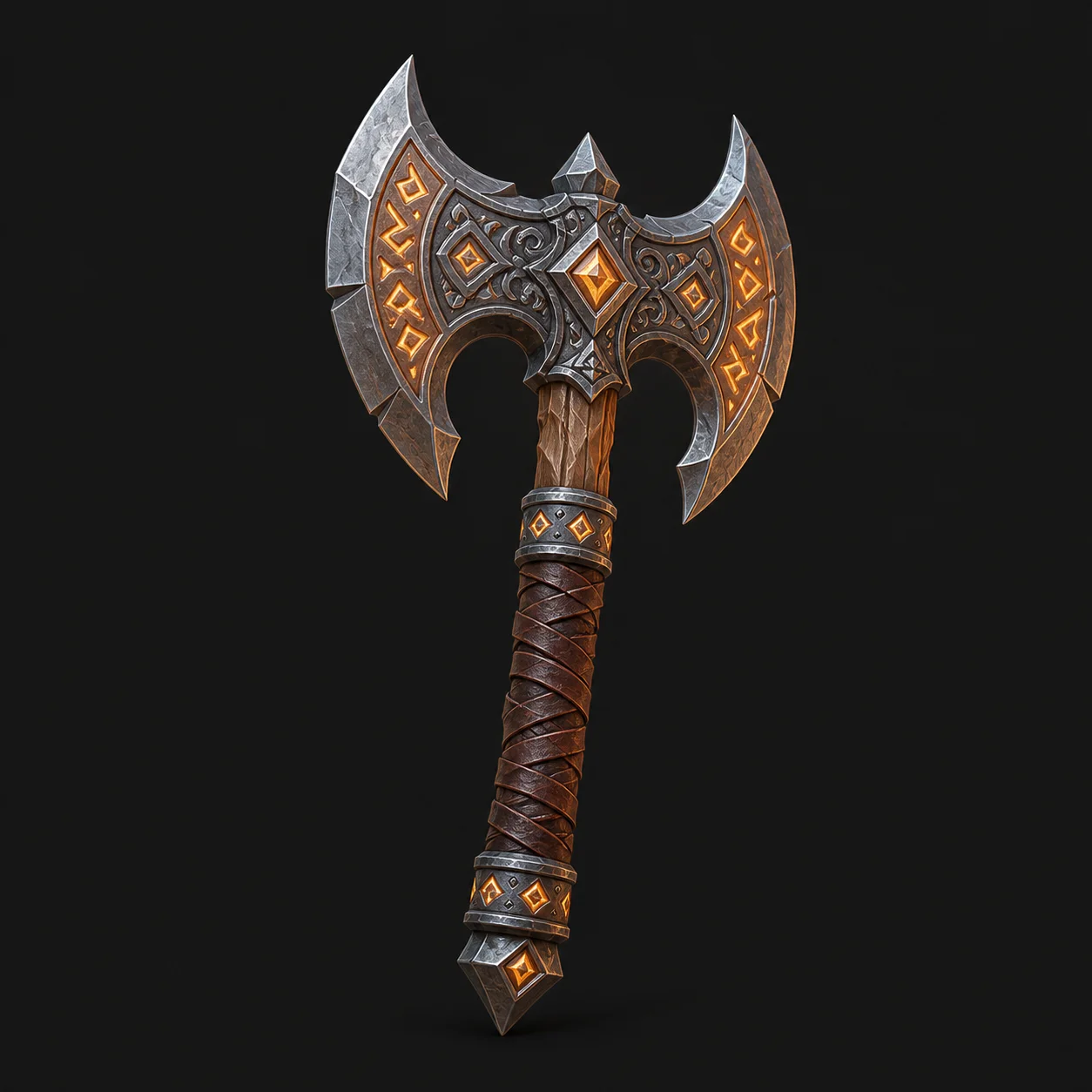
Generate the silhouette first, then capture the angle you want and paint on top of it. The mesh is a scaffold, not the final image.
Free and anonymous. Protected by Cloudflare Turnstile — no account, no card, no credits.
Where 3D Beats a Sketch
Three things a concept mesh gives you that a drawing does not.
Every Angle, Instantly
A concept mesh answers “what does it look like from behind” without redrawing it. Proportion mistakes show up immediately.
Consistent Lighting
Light the concept once and every subsequent view matches. Sketches drift between angles; a mesh does not.
Cheap Iteration
Reword the ai text to 3d prompt and get a new direction in seconds. Ten variants cost less than one careful drawing.
Best Practices for Concept Work
How to use a 3d model generator without letting it flatten your ideas.
Lead with Silhouette
Describe the outline before the detail. A concept that reads as a black shape will read at any resolution.
Plan to Paint Over
Treat the render as an under-painting. Texture softness stops mattering the moment you paint on top of it.
Generate in Batches
Change one word per run — material, era, mood — and keep a contact sheet. That is where the useful accidents come from.
Taking a Concept Further
Where the generated GLB goes once the direction is right.
| Blender | Import the GLB, relight it, pose the camera and render the exact frame you want to paint over. |
|---|---|
| Photoshop or Procreate | Paint over the render, correct proportions and add the detail the reconstruction softened away. |
| ZBrush or Blender Sculpt | Use the generated mesh as a base when the concept is worth taking all the way to a finished model. |
Concept Art Examples
A stylised character and a sculptural creature, both from a single line of text.
A pixar-style boy game hero character, stylized, clean silhouette
Weathered stone gargoyle bust, sculpture study, symmetrical
Concept Art FAQ
Not usually. It is an exploration tool: strong on proportion and silhouette, soft on surface detail. Paint over it or sculpt on it.
Import the generated GLB in Blender and orbit the camera. Re-prompting for a different angle gives you a different object, not the same one turned around.
No. It removes the slow part of exploring three-dimensional forms and leaves the judgement, staging and finish to the artist.
Realistic and sculpture for creatures and props, cartoon for stylised characters. The style word matters more than any other adjective.
No. MeshyAI Pro is an independent free text to 3d tool with no affiliation to Meshy.
Explore
Keep Exploring the 3D Generator
Every tool, format guide and workflow page on this site runs the same free ai text to 3d model generator. Pick the one closest to what you are making.
Recommended next
More use cases
Turn Your Ideas into a 3D Model — Free
Describe your object, preview the concept, convert it to a downloadable GLB. No account, no install, no credits.