Free AI Text to 3D Model Generator — Prompt to Concept in a Minute
Describe any object in plain language and watch it become a real 3D model. Free, no account, no install — an independent alternative for anyone searching Meshy AI text to 3D.
- ~15s
- Concept render time
- 0
- Accounts, installs or credits
- 7
- 3D formats explained
- No sign-up
- Multilingual prompts
- Low-poly or realistic
- Runs in your browser
- Free forever
Free and anonymous. Protected by Cloudflare Turnstile — no account, no card, no credits.
Export targets your pipeline already speaks
- Blender
- Unity
- Unreal Engine
- Godot
- Bambu Studio
- OrcaSlicer
How to Generate a 3D Model from Text
Three steps from a sentence to a 3D model — free, in your browser.
Write Your Prompt
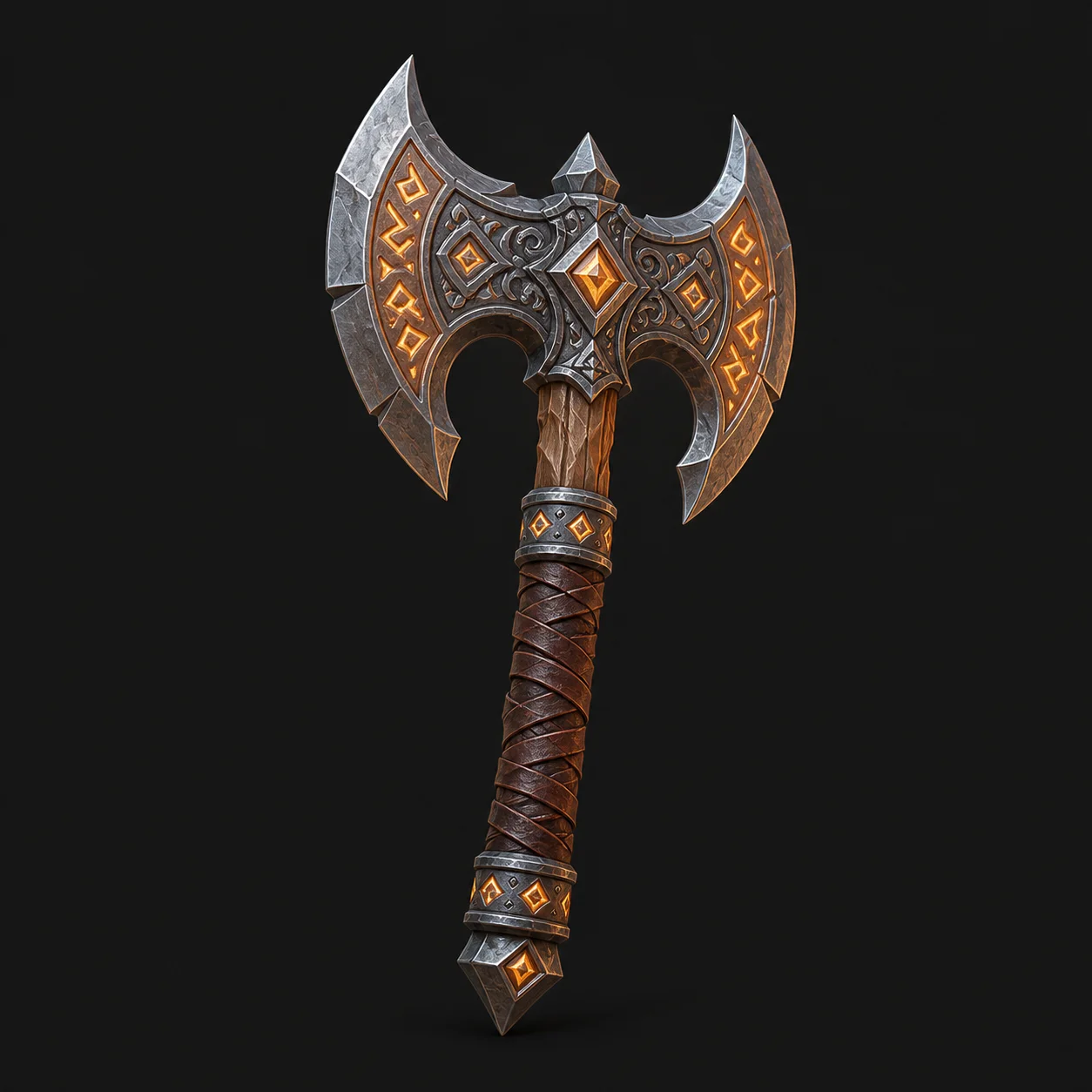
Describe your 3D object in natural language, up to 800 characters, in any language. Name the shape, the style, the material and the context — "a low-poly pirate axe with a skull in the hilt, game-ready" beats "an axe". Pick an art style to steer the look. Then clear the Turnstile check. No account, no credits, nothing to configure.
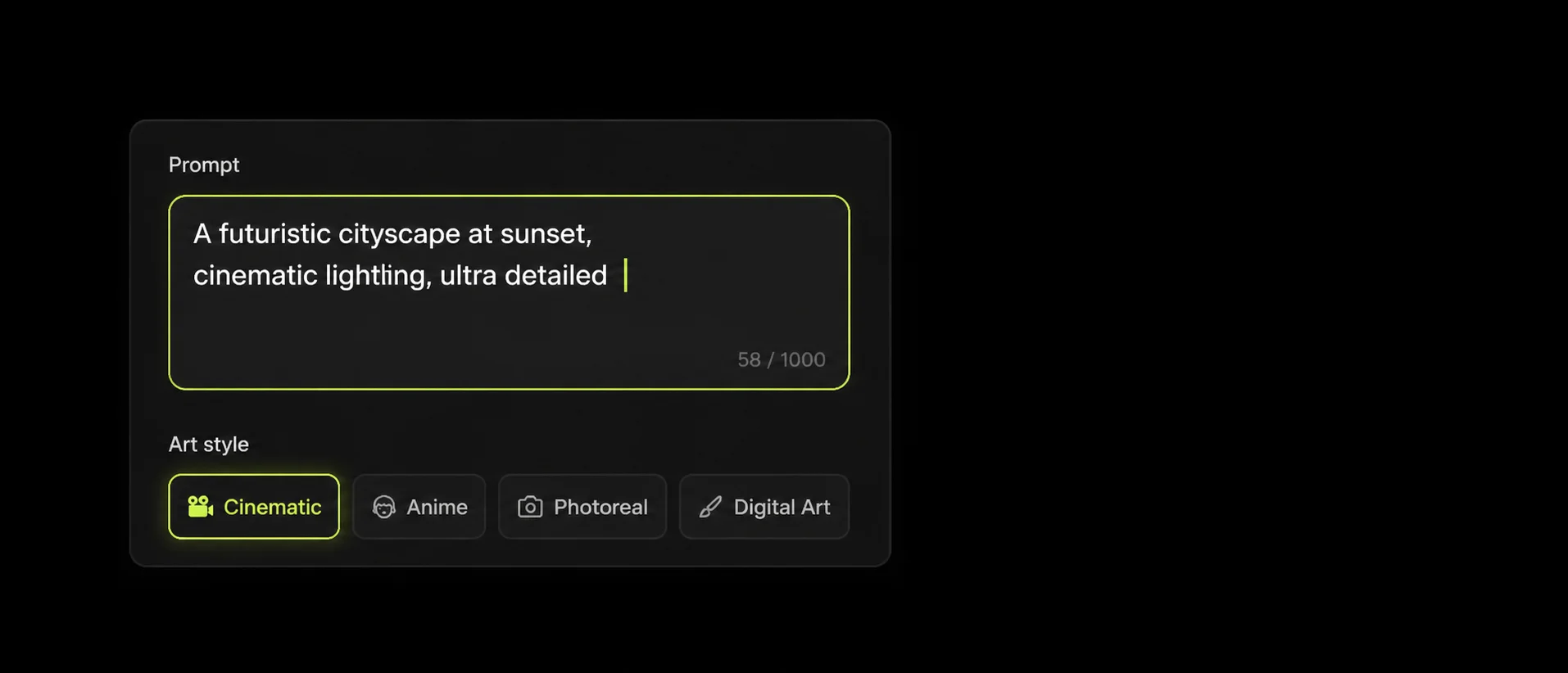
Preview Your Concept
The AI reads your prompt and renders a real concept image in roughly fifteen seconds. Check the silhouette, proportions and material read. Not right? Adjust a few words and generate again — as many times as you like. This is the fast, cheap loop where a prompt actually gets good, before any mesh work starts.
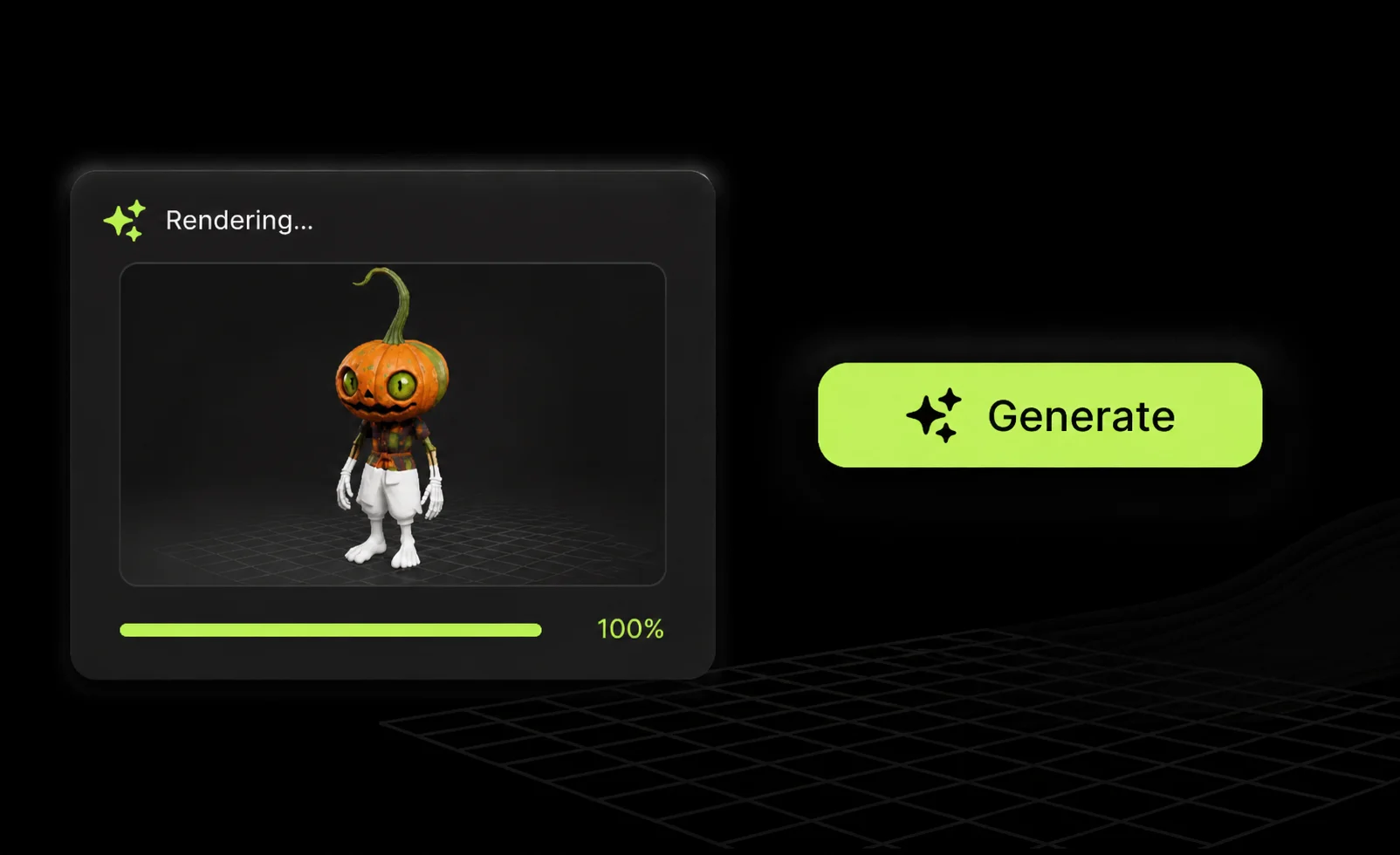
Convert to a 3D Model & Download
Happy with the concept? Hit Convert to 3D and the mesh is generated for real, then handed to you as a downloadable GLB file. Use the format guide to work out what your pipeline needs — GLB for Blender and the web, FBX for Unity and Unreal, STL or 3MF for a slicer.
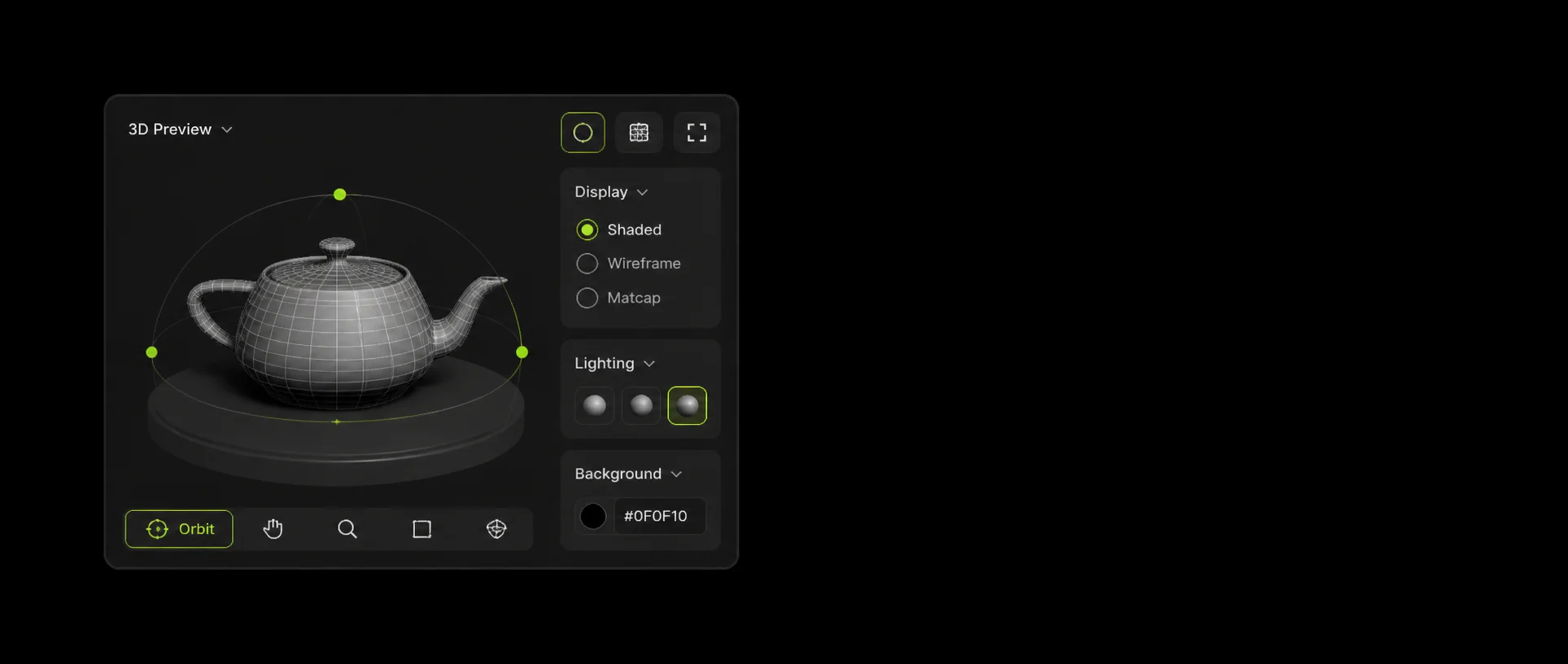
Why Use a Free Text to 3D AI Generator
Text Prompt to 3D Model
Type a description; the AI turns it into a textured concept and then a real 3D mesh in about a minute. Built for rapid ideation, game-asset prototyping and concept visualisation — no modelling skills required.
Style & Detail Control
Pick Realistic, Cartoon, Low Poly or Sculpture and the prompt is rewritten to match. The more specific your description — shape, material, scale, context — the closer the first result lands.
Free, Anonymous, Unlimited Tries
No account, no email, no credits, no plan. A single Turnstile check keeps bots out; everything else is open. Iterate on a prompt as many times as you want.
No Software, No Setup
Everything runs in your browser. No download, no plugin, no 3D experience needed — describe it and generate. Works on a laptop, a tablet, or a phone.
Multilingual Prompt Support
Describe your 3D idea in English, Spanish, French, German, Chinese, Japanese and more, up to 800 characters. No translation step, no language barrier.
Format & Pipeline Guidance
Know exactly which of FBX, OBJ, GLB, USDZ, STL, BLEND and 3MF your target needs — Blender, Unity, Unreal, Godot, or a slicer — before you commit to a full 3D generation run.
Diverse, Fast, High-Quality 3D Models
Every tile below was generated from the prompt written on it. Tap one to load that prompt straight into the generator.
Choose Your Art Style
3D File Formats, Explained
Work out which file your target actually wants before you commit to a full 3D generation run.
- GLB
- FBX
- OBJ
- STL
- 3MF
- USDZ
- BLEND
- GLB
- Single-file, PBR-ready format for Blender, Unity, Unreal, Godot and web/AR. The best universal choice, and what this generator hands you.
- FBX
- Industry standard for Maya, 3ds Max, Unity, and Unreal. Supports complex rigs and animations.
- OBJ
- Universal triangle mesh format for legacy compatibility across almost all 3D editors.
- STL
- Standard printable mesh without textures, required by basic 3D printer slicers.
- 3MF
- Modern alternative for 3D printing with full metadata, multi-material, and color support.
- USDZ
- Pixar's universal scene description binary, perfect for iOS AR Quick Look and Vision Pro.
- BLEND
- Native project file for direct import into Blender without conversion loss.
Built for Every 3D Workflow
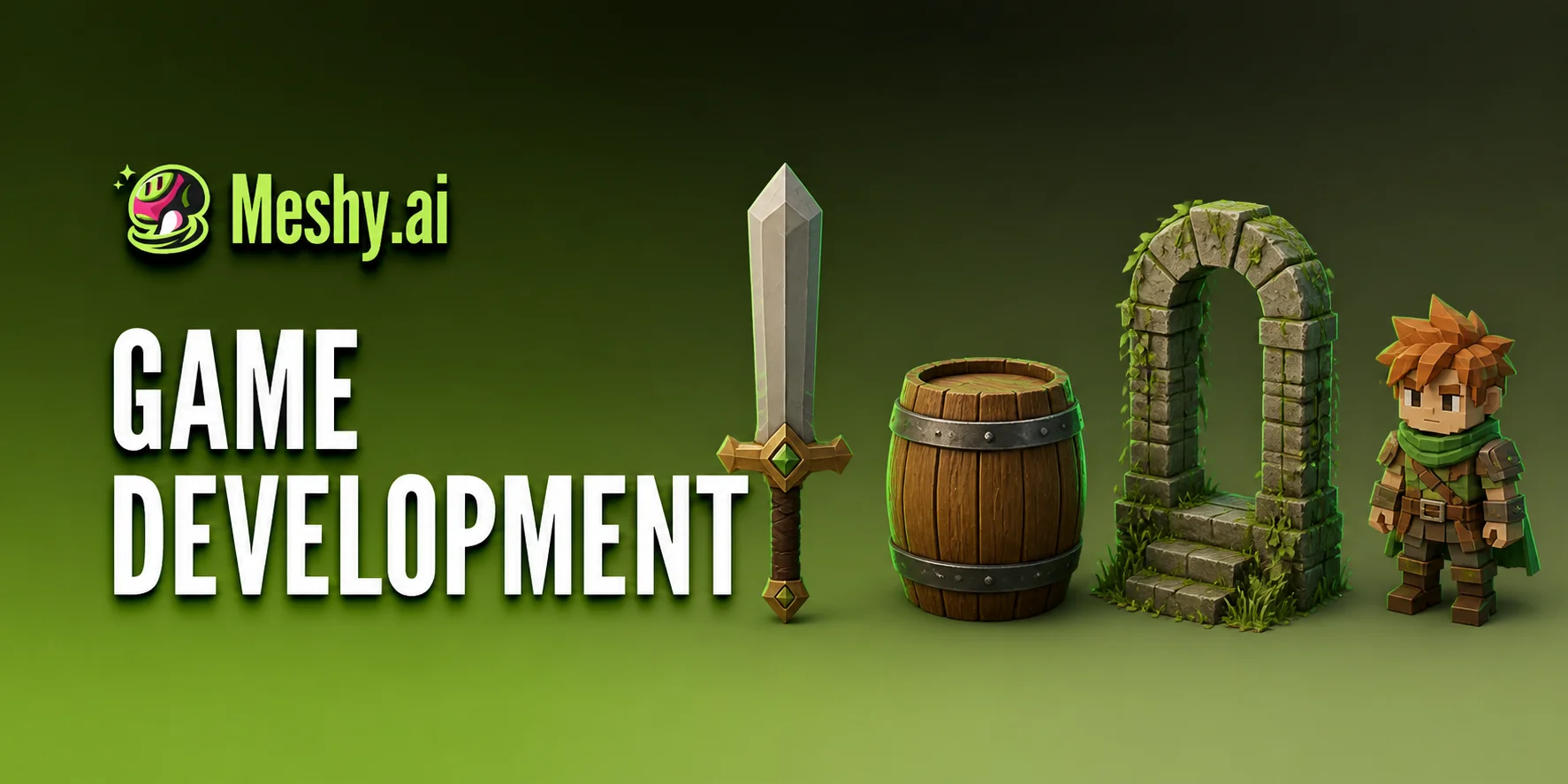 Game DevelopmentPrototype characters, weapons, props and environments from a sentence. Low-poly styling for real-time engines; format guidance for Unity, Unreal, Blender and Godot. Aimed at indie devs who need to iterate faster than a modelling queue allows.Read the guide
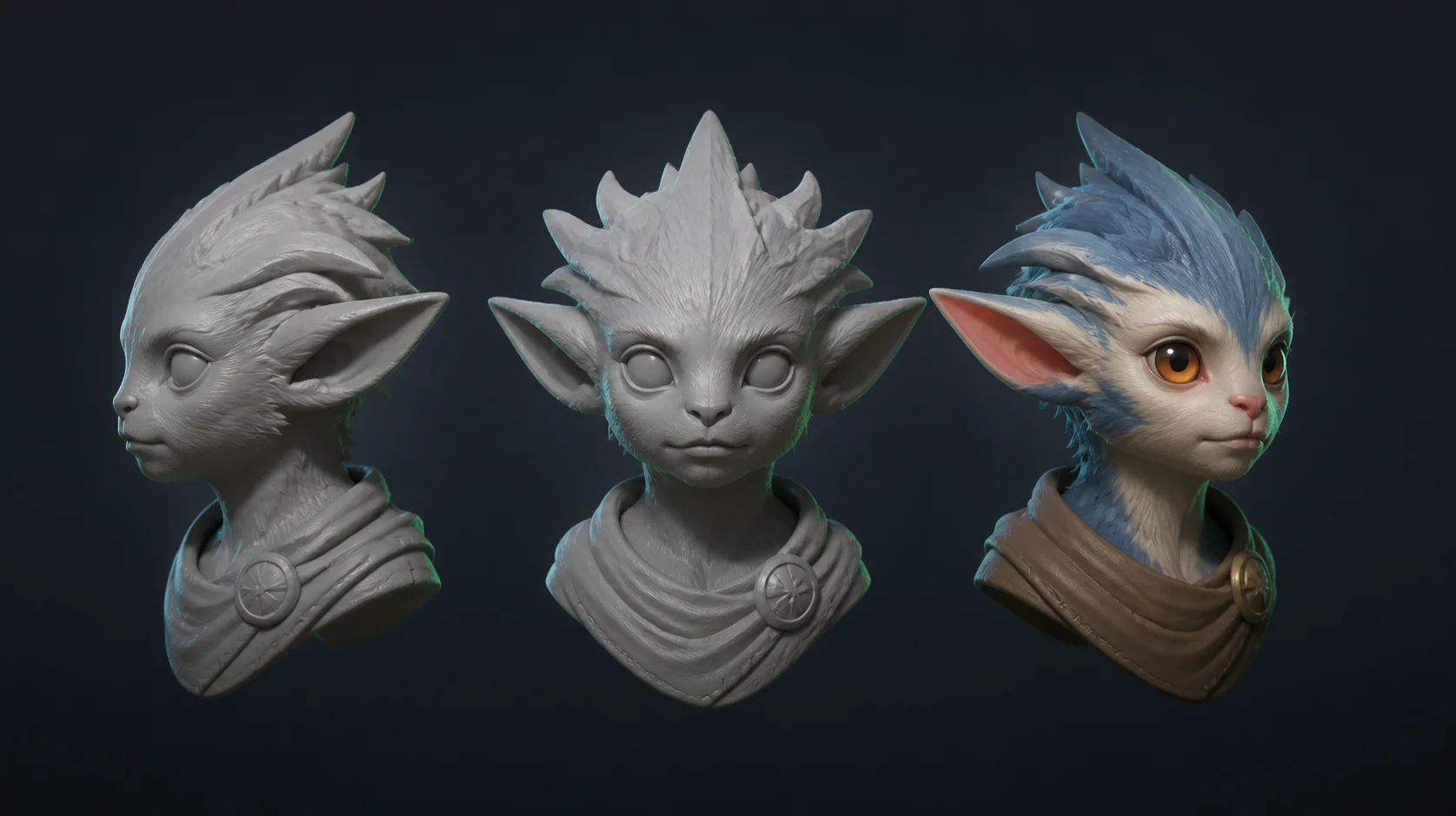 Concept Art & IdeationExplore a silhouette from every angle without opening modelling software. Evaluate proportion and spatial relationships before committing to production. Generate variation after variation until the direction is right.Read the guide
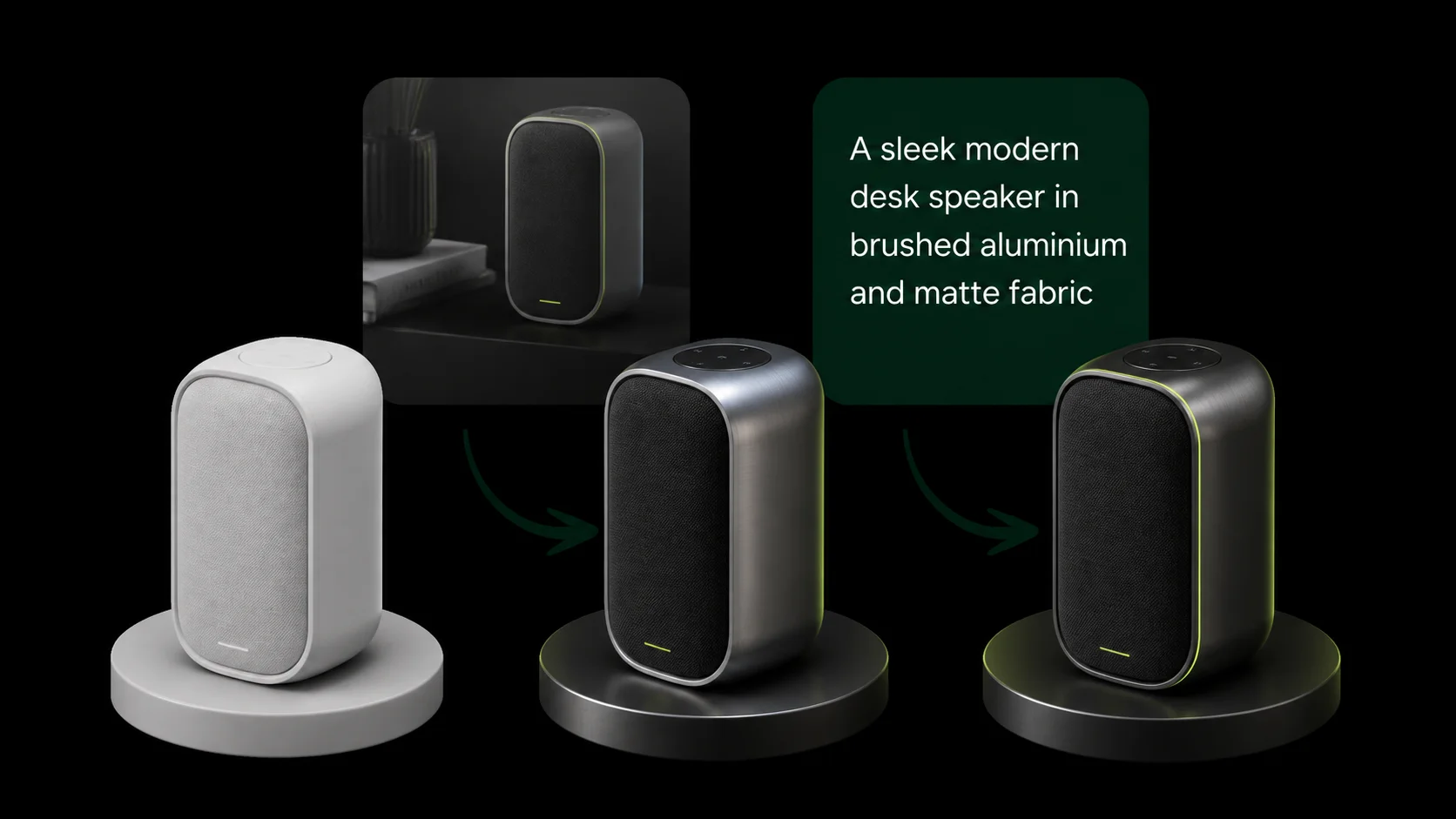 Product DesignTurn a written brief into a visual concept for design reviews and stakeholder decks. Describe material, finish and proportions; get something you can show in minutes instead of days.Read the guide
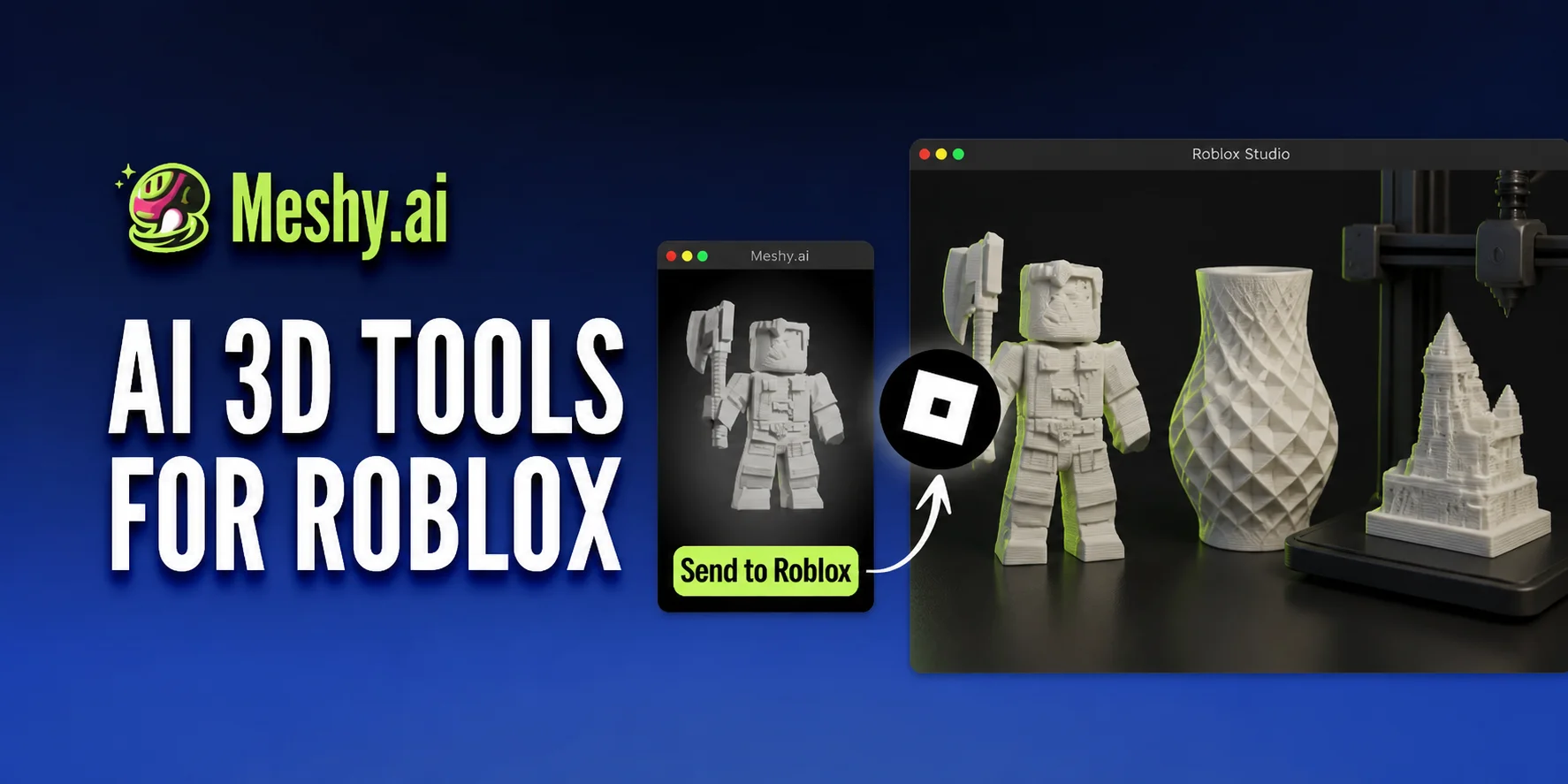 3D PrintingWork out the shape and style first, then take it to print. Learn which format your slicer wants — STL for the classic path, 3MF when you need multi-material and metadata — and what "watertight" actually requires.Read the guide
Free & anonymous
No account, no credits, no email required. A standard Turnstile check is the only gate. Completely free to experiment and prototype your ideas.
Concept-first workflow
You get a real AI concept render first, then a real 3D mesh built from it. This helps you nail the prompt visually before you spend time on the geometry.
Independent tool
We are a free community tool and are not affiliated with Meshy.
Related Use Cases
Related 3D Terms
- Text to 3D
- 3D Modeling
- Mesh
- Polygon
- Low Poly
- PBR
- Texture Mapping
- GLB File
- FBX File
- OBJ File
- Rigging
- 3D Printing
Made for creators who just want a fast 3D concept
I needed quick placeholders for my Unity prototype. Being able to just type what I want and get a concept in 15 seconds without messing with accounts is perfect.
Ian D.Indie game developer The format guide alone saved me hours. I use it to check silhouettes before committing to a long print, and the GLB it hands back drops straight into my slicer workflow.
Marcus P.3D printing hobbyist Finally a free tool that doesn't bombard you with credit upsells. I use this daily to brainstorm ideas and explore shapes.
Sarah R.Concept artist Great for generating quick base meshes. I pull the GLB into Blender, retopologize the interesting parts, and discard the rest. Very fast workflow.
James L.Blender freelancer
Frequently Asked Questions
No. meshyai.pro is an independent free tool and is not affiliated with, endorsed by or sponsored by Meshy.
You get a real AI concept render from your prompt, and then a real 3D mesh generated from that concept and handed to you as a downloadable GLB file. There is no account, no watermark and no credit cost.
No. No sign-up, no credits, no plan, no payment. A Turnstile check is the only gate.
Here is a quick overview of FBX, OBJ, GLB, USDZ, STL, BLEND, 3MF: GLB is best for web and universal use, FBX is the standard for engines like Unity and Unreal, OBJ is a widely-supported legacy mesh format, STL and 3MF are for 3D printing, USDZ is for Apple AR, and BLEND is native to Blender.
Be specific: shape, style, material, scale, intended use. Name one clear subject. Avoid plurals. 800-character limit. Example: "A low-poly pirate axe with a skull in the hilt, game-ready".
The concept render takes about fifteen seconds; the 3D conversion takes roughly twenty seconds more, so a full run is about a minute.
Blender uses GLB or BLEND with an FBX fallback; Unity takes FBX or GLB via glTFast; Unreal wants FBX; web and AR want GLB, with USDZ for iOS; 3D printing wants STL or 3MF.
Missing limbs (state the topology explicitly), melted details (name the materials), unwanted asymmetry (add "symmetrical"), extra heads or limbs (one subject, no plural nouns), floating accessories (describe the connection), smeared faces (re-prompt the texture). Regenerate — generation is stochastic.
Smeared textures trace back to stretched UV islands, low texture resolution, or projection artifacts on inferred geometry. A good UV layout and 2K to 8K PBR maps fix this. Always prompt for strong tactile material detail.
Retopology or remesh first, which rebuilds topology and UVs in one pass, then re-texture. In Blender: Edit Mode, Select All, U, Smart UV Project with an angle limit of 66 degrees and an island margin of 0.02, then Pack Islands at margin 0.01. Mark seams under arms, behind ears and along the symmetry line first.
Yes; everything runs in the browser, and the GLB downloads the same way on a phone as on a laptop.
Meshy is a paid commercial platform with accounts, credits and a full production pipeline; this is a free anonymous concept-and-mesh tool with no account and no plan. Use this to nail the prompt and get a usable base mesh, then take it wherever you finish the final asset.