GLB File Format — What It Is and How to Use It
GLB is the single-file, PBR-ready 3D format the web runs on, and the default export of most text to 3d pipelines. Here is when to use it and when not to.
3D File Formats
Generate a GLB-Friendly 3D Model
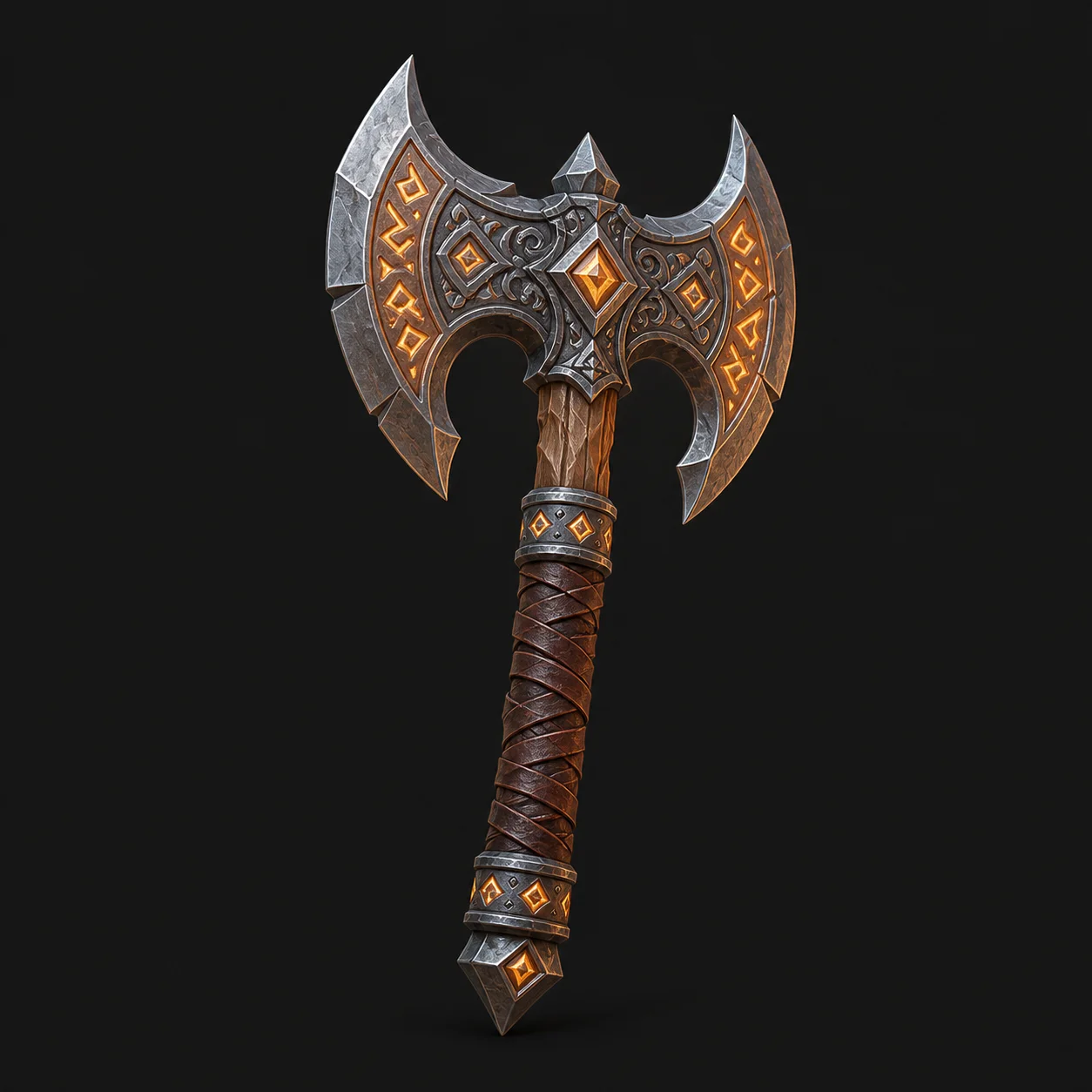
GLB carries geometry, materials and textures in one file, so a generated concept survives the trip into Blender or Godot intact. Try the prop below.
Free and anonymous. Protected by Cloudflare Turnstile — no account, no card, no credits.
What Is a GLB File?
Two properties explain why every text to 3d generator reaches for GLB first.
The JPEG of 3D
GLB is the binary container of glTF. Mesh, materials, textures and scene graph all sit in one file, so nothing goes missing when you share it.
PBR Materials Included
GLB stores physically based materials, so metal reads as metal and glass as glass in every modern renderer without re-authoring the shaders.
GLB vs the Other 3D Formats
The honest comparison: GLB wins on convenience, loses on rigs and on printing.
| GLB vs OBJ | OBJ needs a separate MTL file and loose texture images. GLB packs the lot into one file, which is why textures rarely go missing in transit. |
|---|---|
| GLB vs FBX | FBX is proprietary and still the better carrier for complex rigs and animation in Unity or Unreal. GLB is open, lighter and better for web and review. |
| GLB vs STL | STL stores raw triangles and nothing else, which is fine for a printer and useless for anything with colour. GLB keeps materials and UVs. |
What Opens a GLB File
Support is close to universal, which is the other half of the argument for GLB.
Blender
Imports and exports GLB natively with materials intact. The right place to clean up geometry from an ai text to 3d model generator.
Browsers and AR
The model-viewer web component renders GLB with no plugin, and Android Scene Viewer uses it for AR directly.
Game Engines
Godot imports GLB natively, Unity through glTFast, and Unreal through its built-in glTF importer.
When to Choose GLB
Two situations where nothing else comes close.
Web and AR Delivery
GLB is the file to hand a website or an Android AR viewer. One file, fast load, consistent PBR materials on every device.
Sharing Concepts for Review
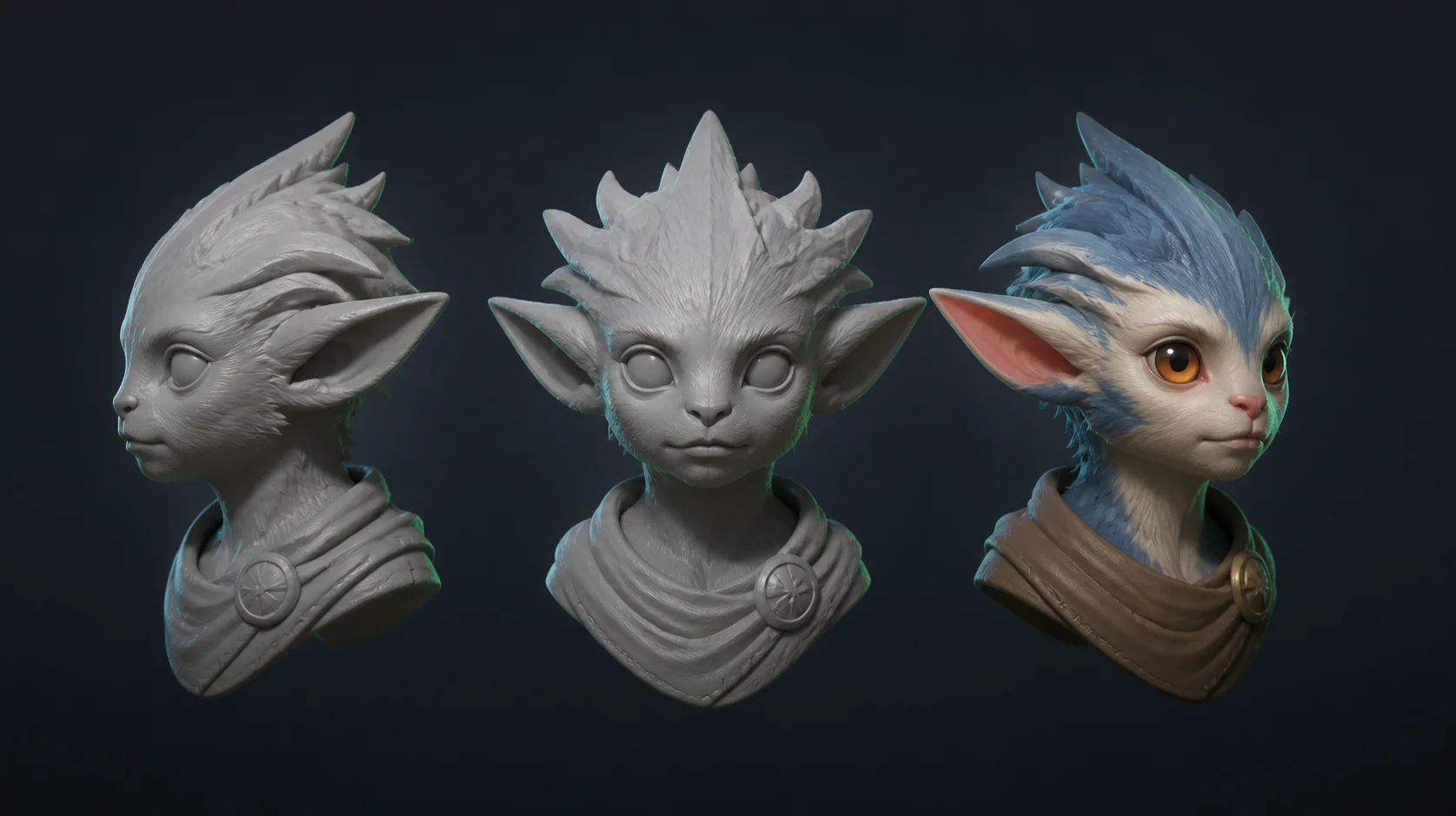
A single self-contained file is the easiest thing to drop into a review thread, which is why text to 3d tools export GLB by default.
GLB Format FAQ
Generate the concept here, convert it to a mesh, and the mesh comes back as a .glb. It is the default export because everything travels in one file.
Not directly. Most slicers want STL or 3MF, so convert the GLB in Blender first and check that the model is watertight before slicing.
For almost everything modern, yes. GLB bundles textures and supports PBR, while OBJ is a plain triangle mesh that relies on side files.
Same format, different packaging. glTF is JSON plus separate assets; GLB is the binary single-file version of exactly the same thing.
No. MeshyAI Pro is independent and is not affiliated with, endorsed by or sponsored by Meshy.
Explore
Keep Exploring the 3D Generator
Every tool, format guide and workflow page on this site runs the same free ai text to 3d model generator. Pick the one closest to what you are making.
Recommended next
3D file formats
More use cases
Turn Your Ideas into a 3D Model — Free
Describe your object, preview the concept, convert it to a downloadable GLB. No account, no install, no credits.